


Vovsoft Auto Change Wallpapers is a simple tool for anyone who likes fresh themes & wallpaper on their desktop. If you often change your background and feel tired of doing it by hand, this program can handle it for you. It lets your computer switch wallpapers automatically at the time you choose. You just add your JPG images, pick the folder you like, and set how often the wallpaper should change. The layout is clean and easy to understand, so you don’t need any special skills to use it.
You can also preview images, remove the ones you don’t want, and even make the app run when Windows starts. It’s a small program, but it makes keeping your desktop looking new much easier.
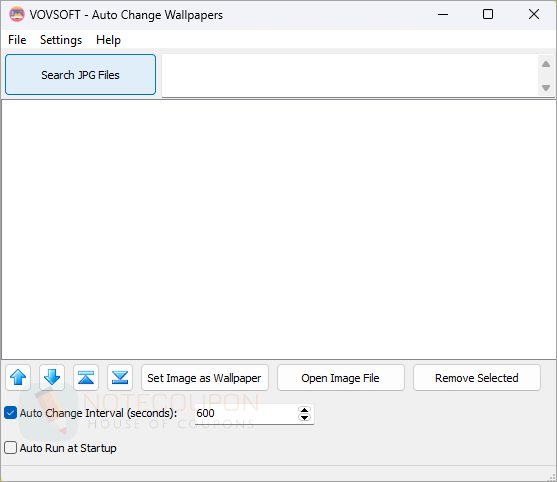
Vovsoft Auto Change Wallpapers Giveaway Details
- Registration page: n/a
- License code: C1W76-KWNZX-U5RDP
- Download page: auto-change-wallpapers.exe auto-change-wallpapers-portable.zip
- License details: lifetime
You may also like:
Terms and Conditions
- This is a lifetime license for noncommercial use
- No free updates
- No free tech support
- You must download and install the giveaway before this offer ends
- May not be resold
Technical Details
- Publisher: Vovsoft
- Homepage: https://vovsoft.com/software/auto-change-wallpapers/
- Version: 1.4
- Download size: 3.41 MB
- Supports: Windows 7, 8/8.1, and 10/11 (32-bit and 64-bit)